Digital Dentistry Hub
Succeed with Digital
Your comprehensive resource for transitioning to digital workflows. Guides, scanner tips, file format explanations, and everything you need to submit your first digital case.
50%
Fewer Remakes
20μm
Scan Accuracy
98%
Patient Prefer
Why Go Digital?
- check_circle
Greater accuracy — digital scans eliminate distortion from impression materials
- check_circle
Fewer remakes — precise data means better-fitting restorations the first time
- check_circle
Faster turnaround — no shipping physical impressions, cases start immediately
- check_circle
Better patient experience — comfortable scanning vs. impression trays
- check_circle
Easy communication — annotate scans, share digital files instantly with the lab
What File Format Should I Use?
- check_circle
STL — Universal export format. Works with every scanner and every lab. Our recommended default.
- check_circle
PLY — Includes color mesh data. Useful for shade matching and soft tissue visualization.
- check_circle
OBJ — Standard 3D object file. Less common in dentistry but fully supported.
- check_circle
DCM — 3Shape native format. Export from TRIOS scanners without conversion.
Digital vs. Traditional
- check_circle
Accuracy: Digital scans are accurate to 20 microns vs. 50-80 microns for PVS impressions
- check_circle
Speed: Digital cases start fabrication immediately — no shipping transit time for impressions
- check_circle
Remakes: Digital workflows reduce remakes by up to 50% compared to traditional methods
- check_circle
Storage: Digital files are stored permanently — reorder or duplicate any case from your portal
- check_circle
Patient comfort: Most patients strongly prefer scanning over impression trays
Digital Implant Workflows
- check_circle
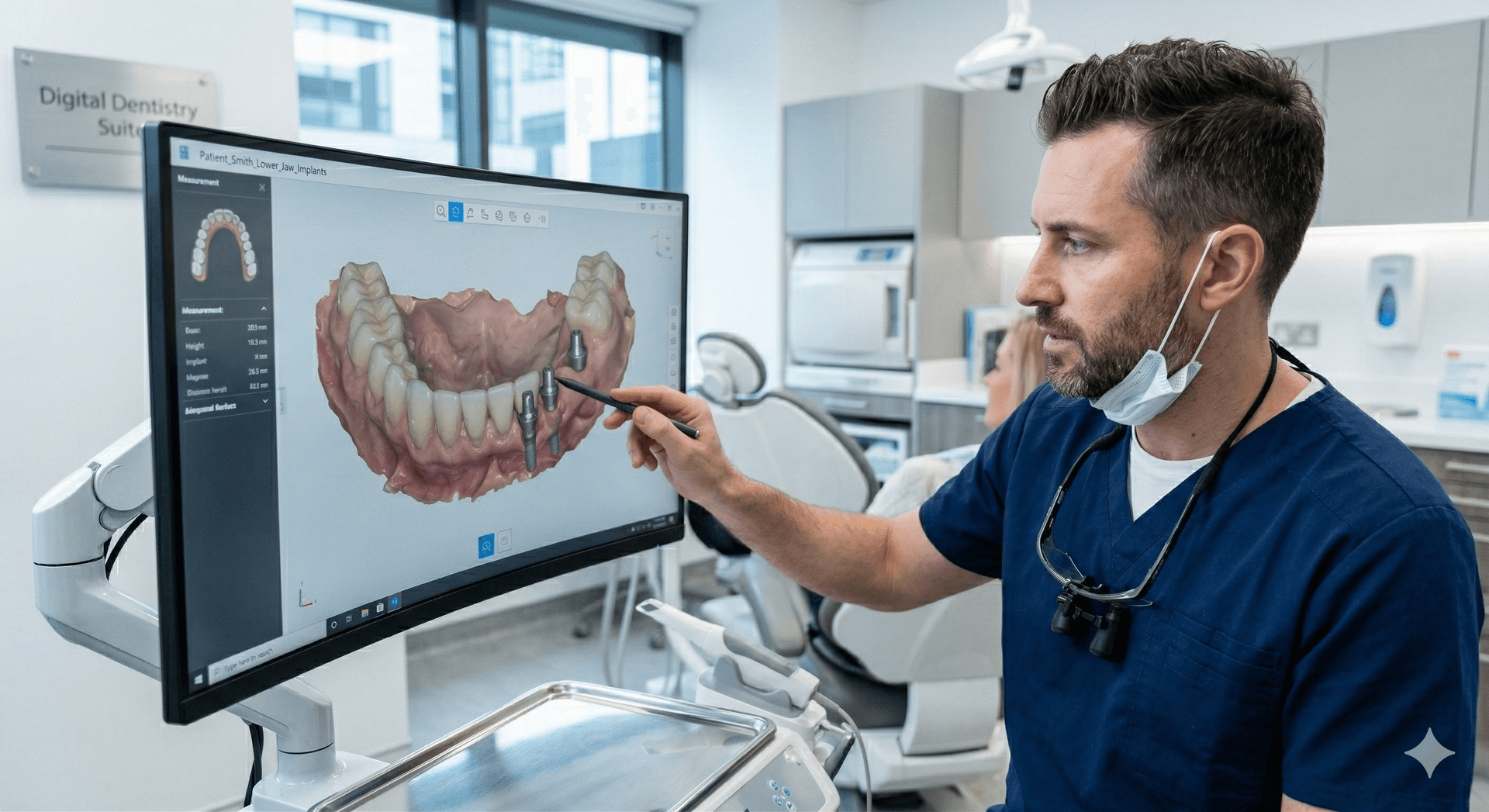
Scan-to-guide workflow for digitally guided implant placement with surgical guides
- check_circle
Custom CAD/CAM abutments designed from your digital scan for optimal emergence profile
- check_circle
Full-arch All-on-4/6 cases with digital planning and PMMA provisional restorations
- check_circle
Implant-level scanning with compatible scan bodies for all major implant systems
- check_circle
Digital wax-up previews before committing to final restoration design
Frequently Asked Questions
My scanner isn't listed on your compatibility page. Do you still accept my files?expand_more
Most likely yes. If your scanner can export to STL format (which nearly all modern scanners can), we can work with your files. Contact us and we'll confirm compatibility.
Can I still send physical impressions?expand_more
Yes. While we encourage digital workflows, we accept physical impressions for all case types. We provide packaging guidelines and pre-paid shipping labels for non-local practices.
What resolution do you need for digital scans?expand_more
Standard scanner resolution is sufficient for most cases. For full-arch implant cases, we recommend scanning at maximum resolution and including bite registration scans.
How do I send my first digital case?expand_more
Request portal access, and once approved, log in to start a new case. Upload your scan files, complete the digital Rx form, and submit. The entire process takes under 5 minutes.
What if my scan file is too large to upload?expand_more
Our portal supports files up to 200MB with resumable uploads. If your connection is interrupted, the upload will resume where it left off. Full-arch STL files typically range 50-200MB.
Ready to Go Digital?
Submit your first digital case and experience the future of restorative dentistry.