Digital or Physical Cases
How It Works
Send us a digital scan or a physical impression — either way, you submit the case through your online portal in 6 simple steps. No paper lab slips to fill out.
Scan or Impression
Capture the case your way: a digital scan from any intraoral scanner, or a traditional impression or model. We accept both for every case type.
iTero, 3Shape TRIOS, CEREC, Medit, Planmeca, Carestream — all supported.
Submit Online
Log into your portal and start a new case. Digital scans: drag and drop your STL, PLY, OBJ, or DCM files. Physical impressions: submit the case online the same way, then send the impression in.
Files up to 200MB supported with resumable upload for large full-arch scans.
Rx Form
Complete the Rx online — select teeth on the interactive chart, choose material, shade, and add special instructions. No handwritten lab slip, even for physical impressions.
Save commonly-used setups as templates for one-click case submission.
Fabricate
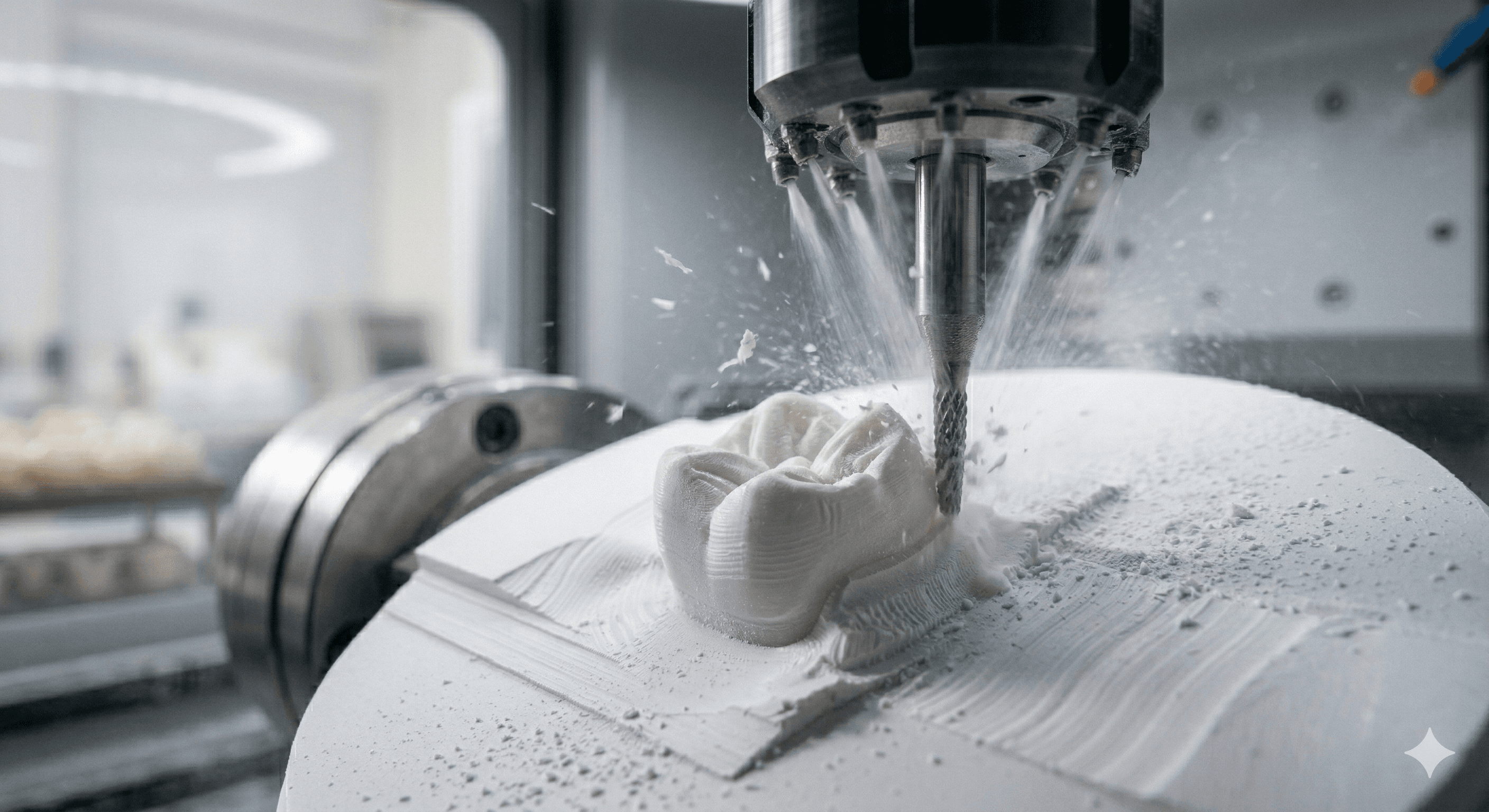
Our technicians design your restoration in CAD software and mill or 3D print it in our Fountain Valley, California lab. Every case is made in the USA.
Implant crowns, custom abutments and full-arch work are our specialty, alongside custom zirconia and e.max crowns.
Quality Check
Every restoration undergoes a multi-point quality inspection by a senior technician before packaging.
Shade verification, fit check, and margin inspection on every case.
Ship
Made in our Fountain Valley, California lab, securely packaged and shipped nationwide. Tracking number provided in your portal.
Zirconia crowns ship in about 5 business days; see Shipping & Turnaround for other products. Need it sooner? Digital cases received before noon can ship in 2 days as a rush (billed at 1.5×).
Physical Impressions & Models
Not Digital Yet? No Problem.
We gladly take traditional impressions and models. Once your office has a portal account, you submit them online just like a digital case — no more writing out a paper lab slip.
Enter the case online
Log into your portal, start a new case, and fill out the Rx on screen — teeth, material, shade and notes. Nothing to handwrite.
Print the lab slip
The portal fills in the lab slip for you. Print it and put it in the box with the impression — we scan its barcode when your case arrives.
Send it in
Pack the impression or model and send it to our lab. You can follow the case in your portal from the moment we receive it.
Packing tips are in our Shipping & Turnaround guide.
Universal Compatibility
Scanner & Software Compatibility
We accept files from all major intraoral scanners and CAD/CAM design platforms.
Intraoral Scanners
iTero Element Series
Align Technology
3Shape TRIOS 3 / 5
3Shape
CEREC Primescan
Dentsply Sirona
Medit i700 / i900
Medit
Planmeca Emerald
Planmeca
Carestream CS 3700
Carestream
Align iTero
Align Technology
Don't see your scanner? Contact us — we likely support it.
Lab Design Software
- check3Shape Dental System
- checkexocad DentalCAD
- checkZirkonzahn Modellier
- checkDental Wings Open DWOS
- checkPlanmeca Romexis
- checkGeoMagic Freeform
- checkImplant Studio
Accepted File Formats
.STL
.PLY
.OBJ
.DCM
.DICOM
.ZPR
Ready to Submit Your First Case?
Create your portal account and submit a case — digital scan or physical impression — in under 5 minutes.